Chaos vs Akiflow: Which Workflow Assistant Wins?
Category: Reviews · Stage: Evaluation
By Max Beech, Head of Content
Updated 9 August 2025 · Expert review: [PLACEHOLDER: Director of Product Research]
Why it matters: Chaos and Akiflow are the two assistants our community compares most. Both promise less context switching, but they take different stances: Chaos is a multi-modal second brain with automation; Akiflow is a precision time-blocking console for calendar addicts.
      - Where do Chaos and Akiflow overlap?

      - When does Chaos beat Akiflow for workflow orchestration?

      - When does Akiflow beat Chaos for time blocking?

      - What’s the verdict on Chaos vs Akiflow?
TL;DR
      - Chaos excels at capturing messy inputs (voice, screenshots, emails) and automating reminders or workflows.

      - Akiflow shines for calendar-first operators who live inside time blocking and command palette triage.

      - Many teams pair Akiflow for scheduling with Chaos for knowledge capture and compliance-ready records.
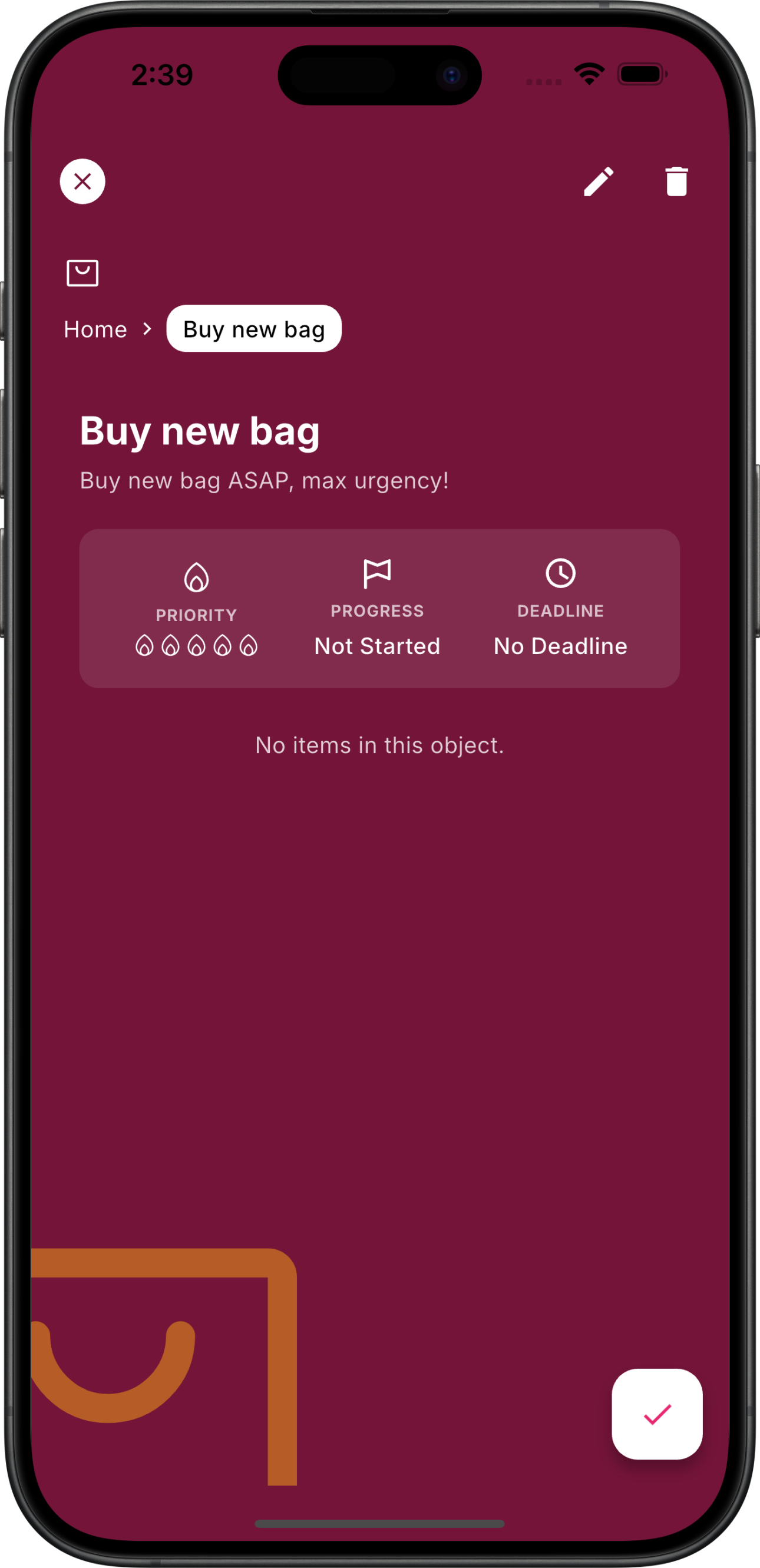 Chaos positions everything in a graph of linked notes; Akiflow focuses on time blocking and inbox triage.
Where do Chaos and Akiflow overlap?
Both tools integrate with calendars, email and task apps. You can command both with keyboard shortcuts, snooze items and run daily planning flows. The overlap is strongest when you need a daily briefing. Akiflow’s Command Bar lets you capture “/task finish investor deck” and time-block it immediately. Chaos captures the same instruction as natural language, enriches it with context, and can trigger automations or reminders tied to mood, location or collaborators.
Case story (hypothetical): A revenue ops lead uses Akiflow each morning to triage tasks, then drops meeting notes, screenshots and compliance forms into Chaos so the broader team has a shared record.
When does Chaos beat Akiflow for workflow orchestration?
Chaos wins when you juggle multiple information types or regulated workflows. Multi-modal capture, context-aware reminders and compliance readiness make it easier to prove why a decision happened. Automations can re-route tasks to the right teammate, trigger summaries or populate the handoff template automatically.
          Capability
          Chaos
          Akiflow


          Capture
          Voice, screenshots, emails, DMs, automations
          Command Bar, inbox forwarding, calendar tasks


          Automation
          Agentic actions, context reminders, decision logs
          Zapier/IFTTT integrations, keyboard macros


          Governance
          Evidence trails, compliance tagging, data hygiene
          Basic audit log, relies on external tools


          Scheduling
          Smart reminders, optional calendar view
          Best-in-class time blocking, auto-merging calendars


    Chaos leans into knowledge orchestration; Akiflow focuses on fast scheduling.
When does Akiflow beat Chaos for time blocking?
If you crave a tactical planner, Akiflow still feels faster. Drag tasks onto the calendar, auto-schedule focus blocks, and reschedule with one shortcut. Power users love the command palette and inbox that consolidates Slack, Gmail and Todoist. Chaos does not try to replace dedicated calendar clients; it integrates with them.
Akiflow also supports custom notifications per task and has native travel time padding. However, it does not store rich media or meeting artefacts. Many teams still need Google Drive or Notion alongside it.
What’s the verdict on Chaos vs Akiflow?
Choose Chaos when you want a second brain that captures everything, automates nudges and gives compliance-friendly audit trails. Pick Akiflow if you live in calendar mode and want the smoothest time blocking console. The contrarian take: you might not need to choose. Several operators run Akiflow for scheduling and feed outcomes into Chaos so teams inherit the context.
Key takeaways
      - Chaos captures multi-modal knowledge and automates workflows; Akiflow specialises in calendar triage.

      - Compliance-conscious teams lean toward Chaos thanks to decision logs and hygiene controls.

      - Hybrid setups—Akiflow for time blocking, Chaos for orchestration—give the best of both worlds.
Next steps
      - List the workflows you expect your assistant to cover: capture, scheduling, compliance.

      - Trial Chaos and Akiflow in parallel for one sprint, documenting pros/cons in the [decision log](/blog/decision-log-workflow).

      - Mix and match—use Akiflow’s command palette for quick scheduling while Chaos maintains the single source of truth.


    {
      "@context": "https://schema.org",
      "@type": "Review",
      "itemReviewed": {
        "@type": "Product",
        "name": "Chaos",
        "description": "Agentic second brain for capturing, organising and automating work.",
        "brand": "Chaos"
      },
      "author": {
        "@type": "Person",
        "name": "Max Beech"
      },
      "datePublished": "2025-08-09",
      "reviewRating": {
        "@type": "Rating",
        "ratingValue": "4.5",
        "bestRating": "5",
        "worstRating": "1"
      },
      "name": "Chaos vs Akiflow: Which Workflow Assistant Wins?",
      "reviewBody": "Chaos is the richer second brain with multi-modal capture and compliance controls, while Akiflow remains the fastest time blocking console. The best choice depends on whether you prioritise orchestration or scheduling.",
      "publisher": {
        "@type": "Organization",
        "name": "Chaos",
        "logo": {
          "@type": "ImageObject",
          "url": "https://chaos.build/media/logo-icon_only-white.png"
        }
      }
    }