Research Ops Repository Workflow in Chaos
Category: Academy · Stage: Enablement
By Max Beech, Head of Content
Updated 21 August 2025 · Expert review: [PLACEHOLDER: Director of Research Ops]
Why it matters: Research teams drown in transcripts and highlight reels. Forrester’s 2024 Experience Index shows that customer-obsessed firms refresh insights every 30 days, yet most insights still live in slides that nobody revisits.^[1]^ A Chaos repository keeps discovery, delivery, and decisions in one searchable map.
      - Why does research ops need a Chaos repository?

      - How do you assemble the research ops repository?

      - How do you keep insights fresh?
TL;DR
      - Collect interviews and experiments via Chaos intake forms with mandatory consent tracking.

      - Cluster insights using smart tags, then broadcast updates through the [client portal blueprint](/blog/client-portal-automation-blueprint).

      - Schedule quarterly repository audits so stale findings expire automatically.
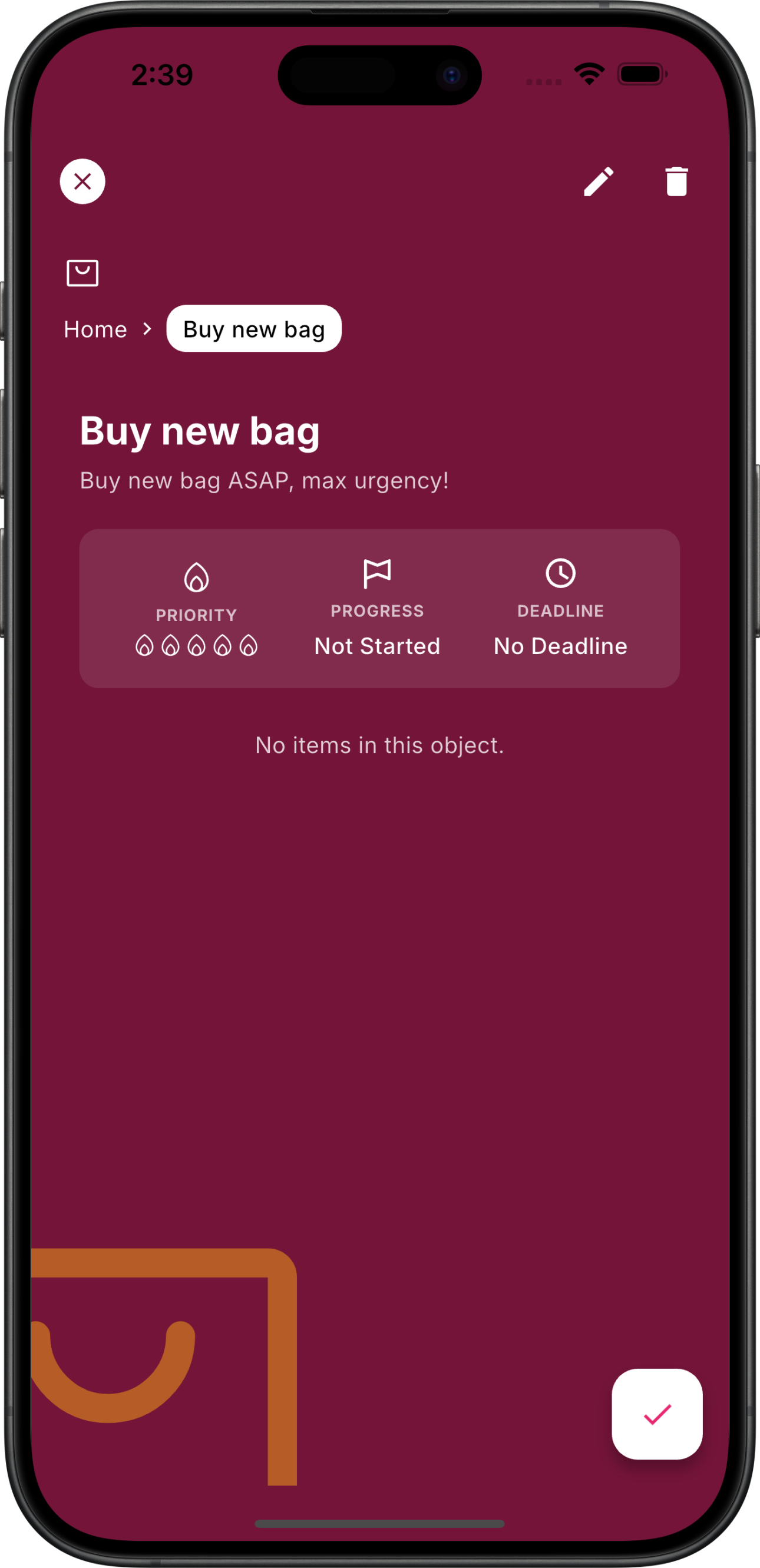 A Chaos research ops view connecting interviews, themes, and product decisions.
Why does research ops need a Chaos repository?
Without a single source of truth, product and marketing teams duplicate discovery. Chaos links interview assets, consent forms, and output decks so stakeholders can self-serve. The UK Government Digital Service recommends making evidence easy to find before decisions are made—a repository makes that real.^[2]^
How do you assemble the research ops repository?
Use the following structure:
          Layer
          Purpose
          Chaos asset


          Capture
          Collect interviews & experiments
          Intake form + consent checklist


          Synthesis
          Tag insights, cluster themes
          Smart tags + [experiment review template](/blog/ai-experiment-review-template)


          Broadcast
          Share recaps & decisions
          Client portal collection + decision log


    Repository layers keep research flowing from capture to broadcast.
How do you keep insights fresh?
Set review cadences in the agentic KPI scorecard. Automations ping owners when themes age beyond 90 days. During sprint reviews, link live findings into the demo storyboard so teams align on evidence.
Key takeaways
      - Centralise consent, raw data, and themes in Chaos so stakeholders self-serve insights.

      - Automate broadcasts to reduce time spent copy-pasting into slide decks.

      - Expiry rules keep the repository relevant and trustworthy.
Next steps
      - Import the last 20 interviews into Chaos and tag consent status.

      - Set up automated broadcasts to product and marketing channels.

      - Schedule quarterly repository retros to prune stale insights.


    {
      "@context": "https://schema.org",
      "@type": "HowTo",
      "name": "Research Ops Repository Workflow in Chaos",
      "headline": "Research Ops Repository Workflow in Chaos",
      "description": "Create a Chaos repository that captures research, tags insights, and keeps stakeholders updated.",
      "datePublished": "2025-08-21",
      "dateModified": "2025-08-21",
      "image": "https://chaos.build/media/app_screenshots/app-screenshot-object_view_screen.png",
      "author": {
        "@type": "Person",
        "name": "Max Beech",
        "jobTitle": "Head of Content"
      },
      "publisher": {
        "@type": "Organization",
        "name": "Chaos",
        "logo": {
          "@type": "ImageObject",
          "url": "https://chaos.build/media/logo-icon_only-white.png"
        }
      },
      "tool": [
        {
          "@type": "HowToTool",
          "name": "Chaos research workspace"
        }
      ],
      "step": [
        {
          "@type": "HowToStep",
          "name": "Collect data",
          "text": "Use Chaos intake forms to capture interviews and experiments with consent metadata."
        },
        {
          "@type": "HowToStep",
          "name": "Tag insights",
          "text": "Cluster findings with smart tags and review templates to surface themes."
        },
        {
          "@type": "HowToStep",
          "name": "Broadcast and review",
          "text": "Share updates through client portals and schedule repository audits."
        }
      ]
    }